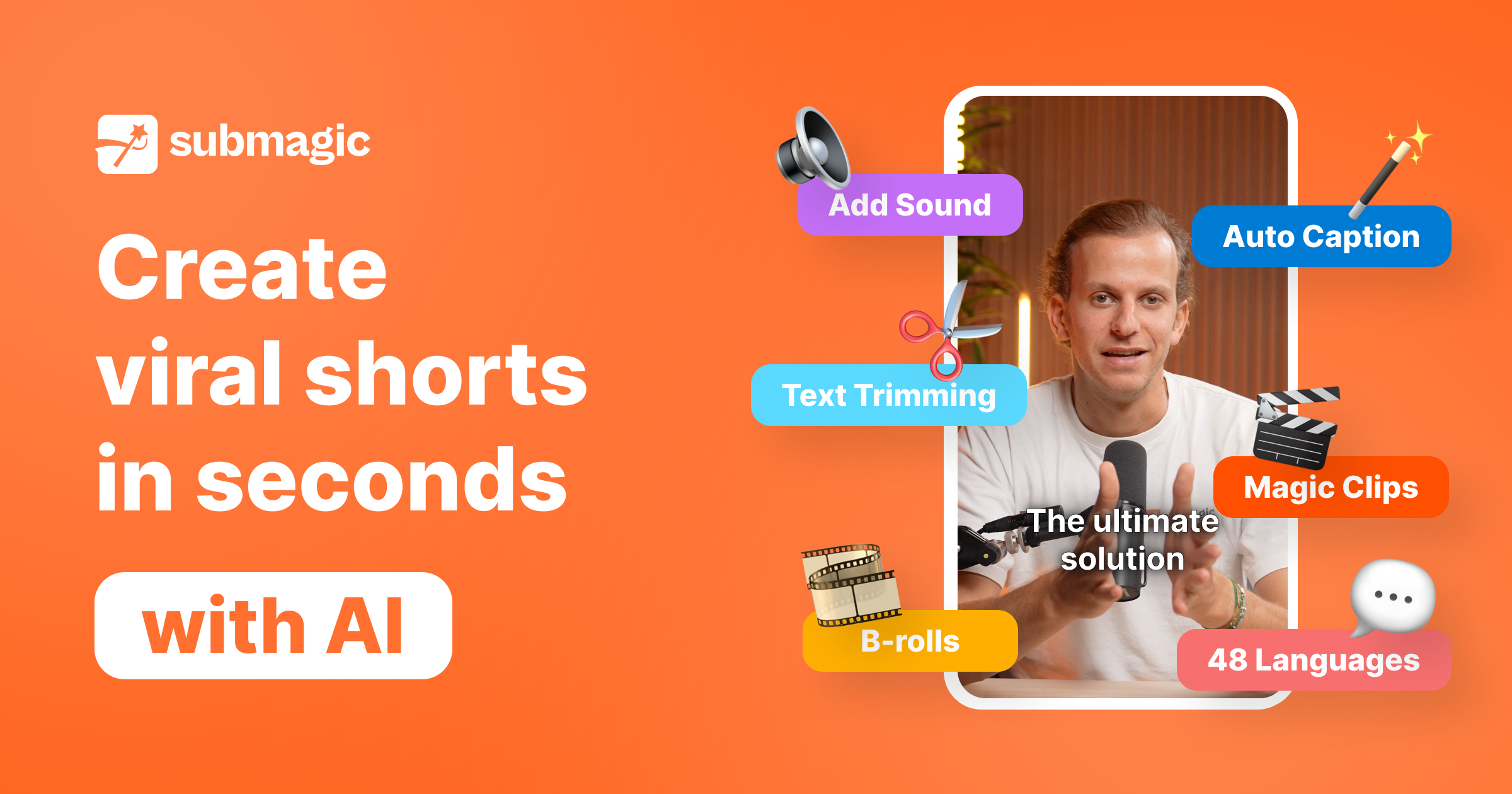
Using Submagic for Video Editing: Your Secret Weapon for Creating Engaging Content

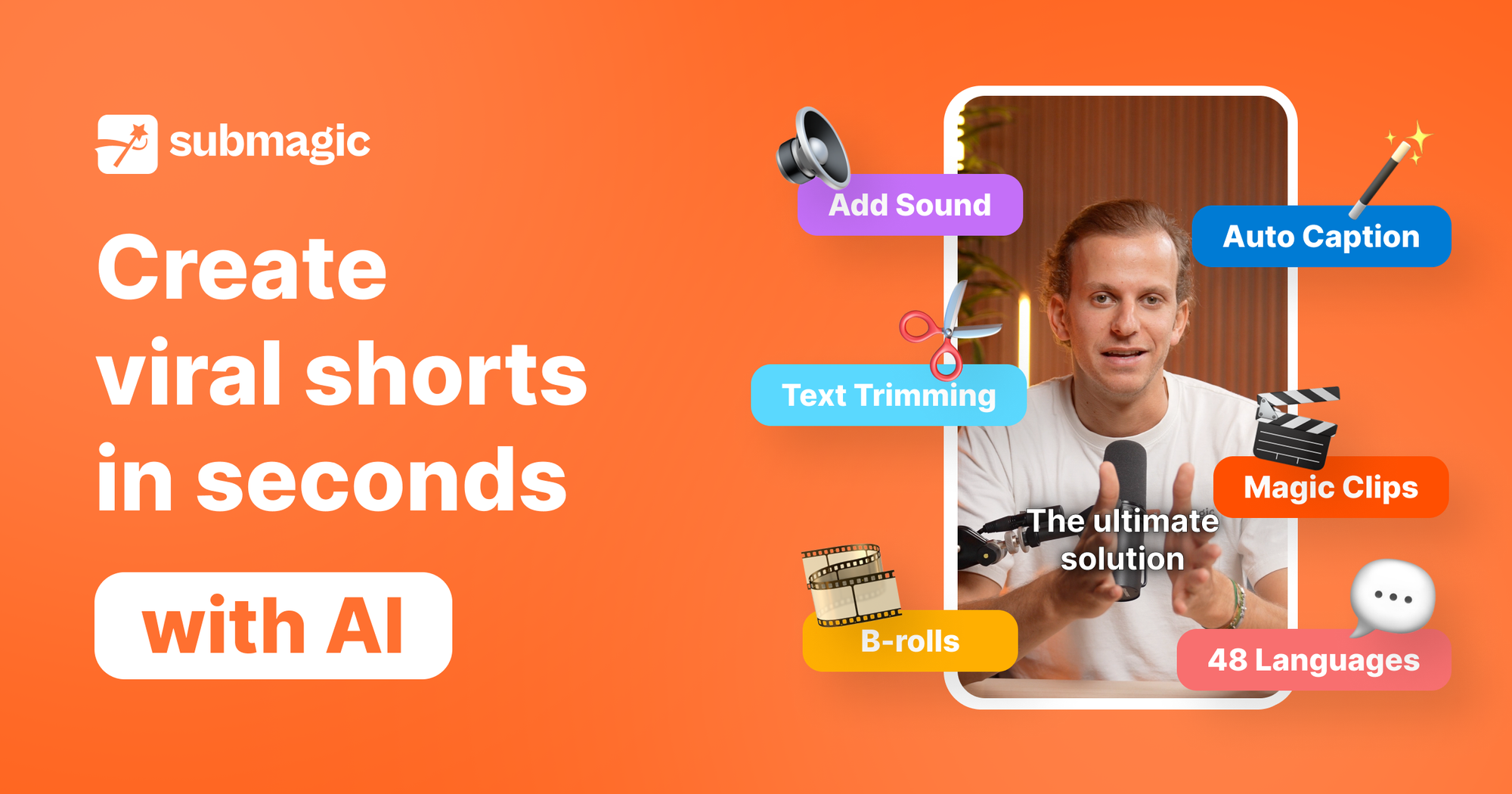
If you're creating video content for social media, you already know the challenge: you need to produce engaging, professional-looking videos quickly and consistently. Between recording, editing, adding captions, and optimizing for different platforms, video production can easily consume your entire day.
That's where Submagic comes in. This AI-powered video editing tool is designed specifically for content creators who need to turn raw footage into scroll-stopping social media content without spending hours in complex editing software.
What Makes Submagic Different
Traditional video editing software like Adobe Premiere or Final Cut Pro is powerful, but it comes with a steep learning curve. Submagic takes a different approach; it automates the tedious parts of video editing while giving you creative control over the final product. Think of it as having a video editor on standby who understands exactly what works on social media.
Automatic Captions That Actually Work
Here's something most content creators have learned the hard way: videos with captions get significantly more engagement. Many people watch videos on mute while scrolling through their feed at work, on the train, or in bed next to a sleeping partner.
Submagic automatically generates captions for your videos with impressive accuracy. But it goes beyond basic subtitles; the tool adds animated, attention-grabbing text overlays in various styles that are proven to increase watch time. You can customize the font, color, animation style, and positioning to match your brand.
I've seen creators cut their caption time from 30 minutes per video down to just a few minutes of review and minor corrections. For someone producing daily content, that's hours saved every week.
Built-In Viral Content Templates
One of Submagic's standout features is its template library, designed around what's currently working on platforms like Instagram Reels, TikTok, and YouTube Shorts. These aren't generic templates; they're based on actual viral video formats.
Want to create a "hook-problem-solution" style video? There's a template for that. Need to add trending emoji reactions or sound effects at key moments? Submagic has you covered. You can even add automatic b-roll footage from stock libraries to make your talking-head videos more dynamic.
For business owners who aren't professional editors, these templates are game-changers. You're essentially getting access to the editing strategies that successful content creators use, without needing to study what works on each platform.
Auto-Generated Descriptions and Hashtags
After editing your video, Submagic can analyze the content and generate platform-specific descriptions and relevant hashtags. While you'll want to review and personalize these, they eliminate the blank-page problem many creators face when writing captions for their posts.
The tool suggests hashtags based on your video's topic and current trends, helping you maximize discoverability without researching hashtag performance yourself.
Multi-Platform Optimization
One frustrating reality of content creation is that each platform has different specifications. Instagram Reels prefer 9:16 vertical format, YouTube can use 16:9 horizontal, and sometimes you want a square 1:1 format for feed posts.
Submagic lets you resize and reformat your video for multiple platforms with a single click. It intelligently reframes your content so the key elements stay in focus regardless of the aspect ratio. Create once, distribute everywhere, without manually editing separate versions.
AI-Powered Editing Suggestions
The tool analyzes your footage and suggests cuts, transitions, and pacing improvements. It can identify and remove awkward pauses, "um"s and "ah"s, and dead space that kills viewer engagement. You maintain final approval, but the AI does the heavy lifting of finding these moments.
One entrepreneur I know records her business tips in one long take, then lets Submagic clean up the pauses and verbal fillers. What used to require careful manual editing now happens in minutes.
Adding Trending Elements
Submagic stays up to date with trending audio, visual effects, and editing styles across social platforms. You can browse and add currently popular elements to your videos, helping your content feel current and relevant without spending hours researching trends.
The tool also includes libraries of sound effects, music tracks, and motion graphics specifically cleared for commercial use, with no copyright worries.
Real-World Use Cases
For Coaches and Consultants: Record your expertise once, then quickly create multiple short-form videos highlighting different tips or insights. Add professional captions and branding elements that establish credibility.
For E-commerce Brands: Transform product demonstrations into engaging Reels or TikToks with dynamic captions, transitions, and calls-to-action that drive sales.
For Course Creators: Break down longer educational content into bite-sized, highly shareable videos that promote your paid courses while providing genuine value.
For Personal Brands: Maintain a consistent posting schedule by batch-creating content in one session and editing it all quickly with templates that match your style.
Getting Started
The beauty of Submagic is that you don't need video editing experience to create professional results. Upload your raw footage, choose a style or template, let the AI do its work, make any adjustments you want, and export for your platforms.
Start with a simple talking-head video about your business or expertise. Record it on your phone, upload to Submagic, and experiment with different caption styles and templates. You'll quickly discover what resonates with your audience.
The Time Equation
Here's what really matters: if you're spending two hours editing each video, you'll probably create one or two videos per week maximum. If Submagic cuts that editing time to 20 minutes, suddenly producing daily content becomes realistic.
Consistency beats perfection in content creation. The tool that helps you publish regularly will do more for your business than the one that helps you create occasionally perfect videos.