How to Publish a Podcast (and the Gear You Need on a Budget)
Podcasting used to feel exclusive - like you needed a soundproof studio, thousands of dollars in equipment, and a production team just to get started. Today, that barrier is gone. Some of the most impactful podcasts are recorded in spare bedrooms, home offices, and even closets, using affordable gear and simple software.
If you’ve been thinking about launching a podcast but feel overwhelmed by the process or worried about cost, this guide will walk you through everything you need, from concept to publishing, without blowing your budget.
Before you buy a microphone or download editing software, your podcast needs clarity.
Every successful podcast starts with a clear purpose. Ask yourself: Who am I talking to, and why should they listen? Your answer doesn’t need to be complicated. In fact, the clearer and narrower your focus, the easier it will be to build an audience.
Once your topic is clear, decide on a format. Will your podcast be solo episodes where you teach or reflect? Interviews with guests? A co-hosted conversation? There’s no right answer, only what best fits your voice and your audience.
It’s also helpful to sketch out your first few episodes before recording anything. You don’t need scripts, but having an outline keeps you focused and reduces editing time later.
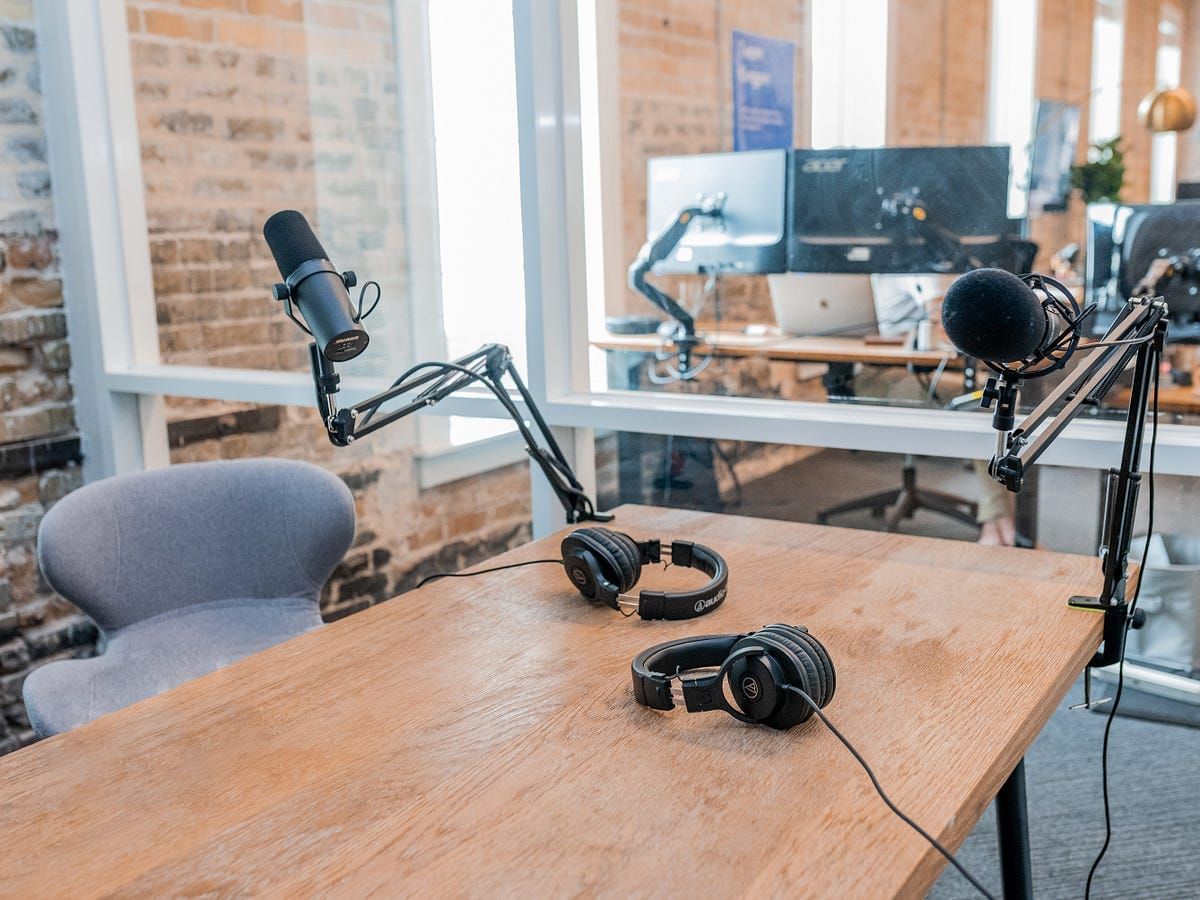
One of the biggest myths in podcasting is that sound quality equals expensive equipment. In reality, good sound comes from a solid microphone, proper technique, and a quiet environment - not a $2,000 studio setup.

For beginners, a USB microphone is the best place to start. These plug directly into your computer, eliminating the need for extra equipment. Paired with a simple pop filter and a mic stand, you can achieve clean, broadcast-ready audio.
Closed-back headphones are another smart investment. They allow you to hear exactly what’s being recorded without sound bleeding back into the microphone. You don’t need luxury headphones, just something reliable.
You can also improve sound quality without spending much money by recording in a smaller room, adding soft furnishings, or even hanging blankets to reduce echo. Often, the environment matters more than the equipment.
With a thoughtful setup, most beginner podcasters can stay under $150–$300 total.
Once your gear is set up, recording is simpler than most people expect.
Choose a quiet time of day. Turn off fans, silence notifications, and close doors and windows. Position your microphone about six to twelve inches from your mouth, and speak slightly past it rather than directly into it to avoid harsh sounds.
Don’t aim for perfection. You will pause. You may stumble over words. That’s normal—and most of it can be cleaned up in editing.
Editing is where your podcast starts to sound polished, but it doesn’t have to be complicated or expensive.
Free tools like Audacity (for Windows and Mac) or GarageBand (for Mac users) are more than enough to handle basic podcast editing. With these tools, you can remove long pauses, adjust volume levels, and add simple intro or outro music.
If you want something more intuitive, paid options like Descript allow you to edit audio by editing text, which can dramatically speed up your workflow. That said, paid software is optional, not required.
The goal of editing isn’t to make your podcast flawless; it’s to make it comfortable and enjoyable to listen to.
Once your episode is edited, you’ll need a podcast hosting platform. Hosting services store your audio files and distribute them to listening platforms like Apple Podcasts and Spotify.
Most beginner-friendly hosts offer free or low-cost plans, making it easy to get started without a monthly commitment. In many cases, you can publish your first episodes for free and upgrade later as your audience grows.
Your hosting platform will generate an RSS feed, which is what podcast directories use to pull in your episodes automatically.
Publishing your podcast involves more than just uploading audio. You’ll also need a compelling episode title, a clear description, and cover art.
Cover art is especially important; it’s the first impression listeners get. Aim for clean, readable design that looks good even at small sizes. You don’t need a designer; tools like Canva make this easy on a budget.
Once everything is uploaded, your host will guide you through submitting your podcast to major platforms. Approval can take anywhere from a few hours to a few days, but after that, new episodes will publish automatically.
Promotion doesn’t mean posting everywhere all the time. The smartest podcasters repurpose their content.
A single episode can become short video clips, quote graphics, email content, and even blog posts. Sharing consistently, but realistically, will help your audience find you.
If you host guests, encourage them to share their episode as well. That organic reach often brings in your most engaged listeners.
Podcast growth is usually slow at first, and that’s okay. Focus on consistency, not download numbers in the beginning.
Most hosting platforms provide analytics that show how many people are listening, where they’re coming from, and which episodes perform best. Over time, this data helps you refine your content.
Monetization can come later, through sponsorships, premium episodes, affiliate links, or by using your podcast to support your services or products. The key is building trust before trying to sell.
The biggest mistake aspiring podcasters make is waiting for the “perfect” moment, setup, or strategy. Podcasting rewards momentum, not perfection.
Start with what you have. Improve as you go. Your voice, your perspective, and your consistency matter far more than expensive equipment.
If you’ve been sitting on a podcast idea, this is your sign to press record.